
CrocoApps case study
Vermillion – VR Painting — Windows VR Game Development Case Study
CrocoApps helped a VR creative-software developer build a painting experience for Windows VR to let users create, revise and export artwork from immersive sessions.
Project snapshot
| Industry | VR / simulation |
|---|---|
| Platform | Windows VR |
| Genre | VR creative tool |
| Scope | VR painting, brush interaction, undo and artwork export |
| Status | Published project; see the project links. |
| Links | Project page |
Challenge
A painting tool must feel responsive while preserving a complex editable work state. Undo, saving and export are part of the core experience: losing work can invalidate an otherwise convincing brush simulation.
Painting combines continuous movement with expectations about pressure, color and the surface being marked. A small discrepancy between the brush motion and the visible stroke can be more noticeable than a similar delay in a menu. At the same time, a creative session needs dependable recovery so experimentation does not feel destructive.
Solution
CrocoApps connected brush interaction with stroke recovery, undo and export workflows. Headset-level feedback makes painting responsive while save and recovery behavior protect the work created during a session.
Gameplay and systems
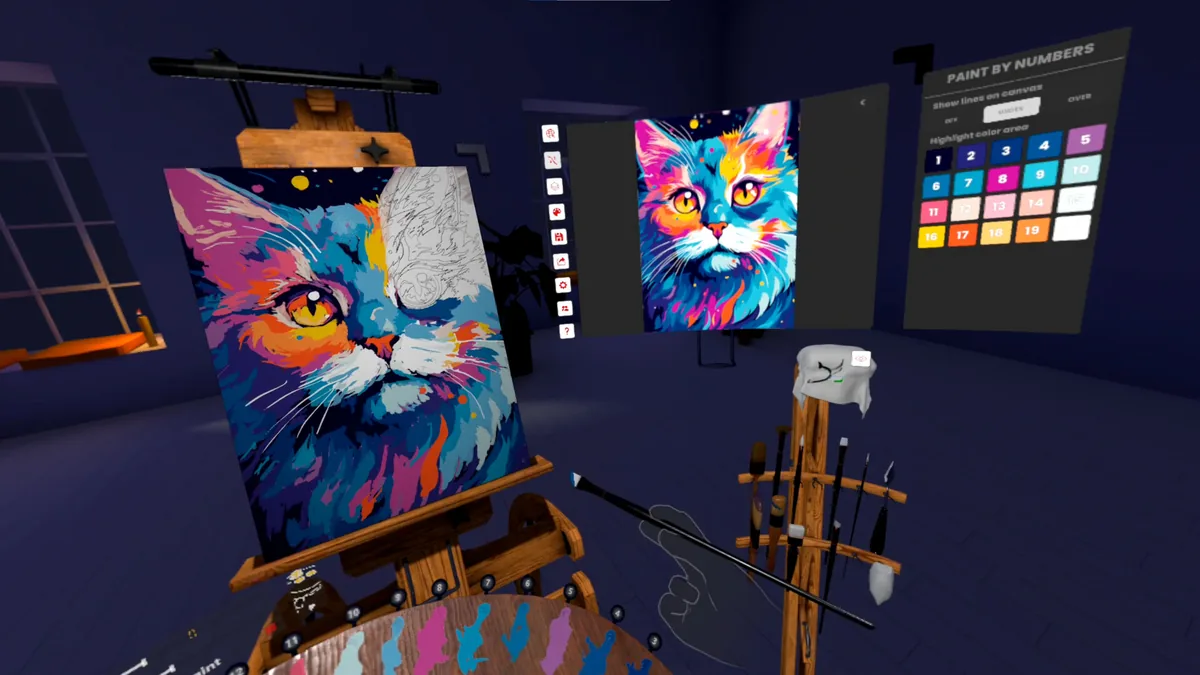
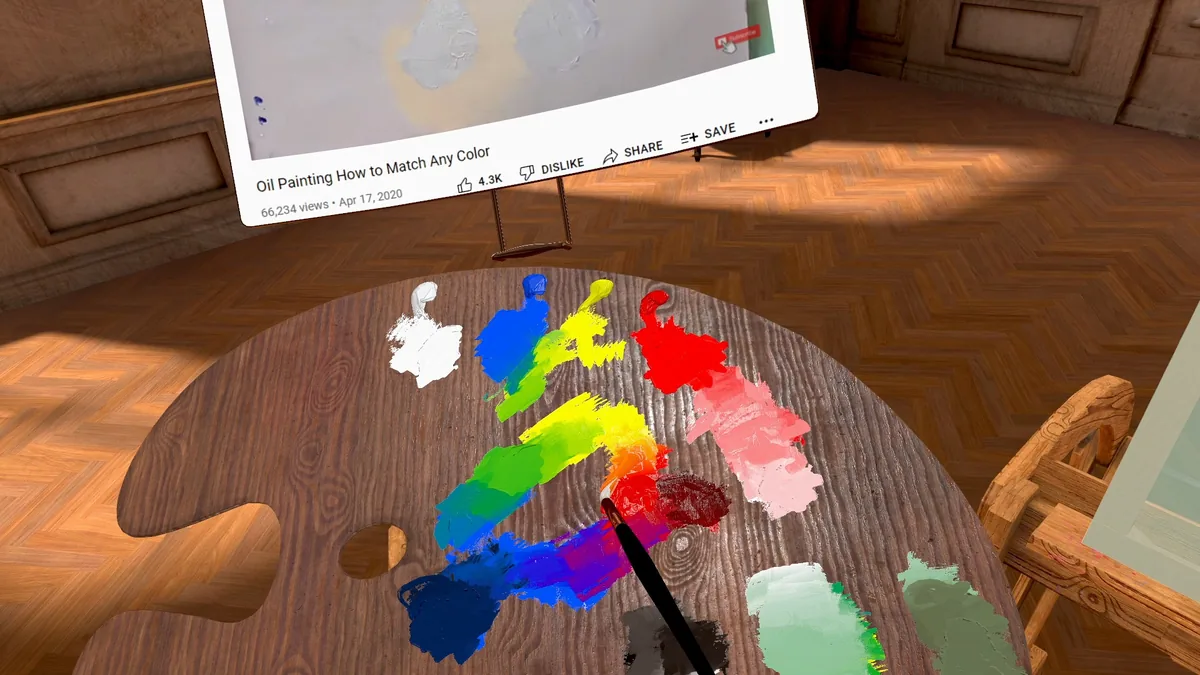
Vermillion combines simulated oil-paint mixing with layers, undo and a range of brushes. The released application supports shared studios for up to four people, including working on one another’s canvases. A built-in browser allows reference material to stay nearby, and finished work can be exported as an image or a three-dimensional display object. These features make the product both a solitary creative space and a place for guided painting sessions.
Source: Steam product page. Checked October 27, 2026.
- Core loop
- Choose a brush and color, paint, inspect the result, revise and save or export the work.
- Progression
- Creative skill development replaces a conventional level ladder.
- Multiplayer
- Online shared painting for up to four people, with cross-platform multiplayer support.
- Localization
- 12 interface languages listed on Steam.
Production scope
Brush feedback, undo and save behavior form one creative workflow. The player needs to move between trying a mark, evaluating it and revising it without losing confidence in the canvas. Export extends that workflow beyond the headset, turning the session into an artifact that can be revisited or shared.
- Game design
- VR painting, brush interaction, undo and artwork export.
- Development
- CrocoApps connected brush interaction with stroke recovery, undo and export workflows. Headset-level feedback makes painting responsive while save and recovery behavior protect the work created during a session.
- QA
- Test long painting sessions, storage failure, interrupted saves, repeated undo/redo and export consistency. Validate reachable controls and readable UI at intended headset resolution.
Project screenshots
Results
Public product figures from the source snapshot checked on October 27, 2026.
- Player reviews
- 96% positive from 630 Steam user reviews in the checked listing.
Source: Steam product page. Checked October 27, 2026.
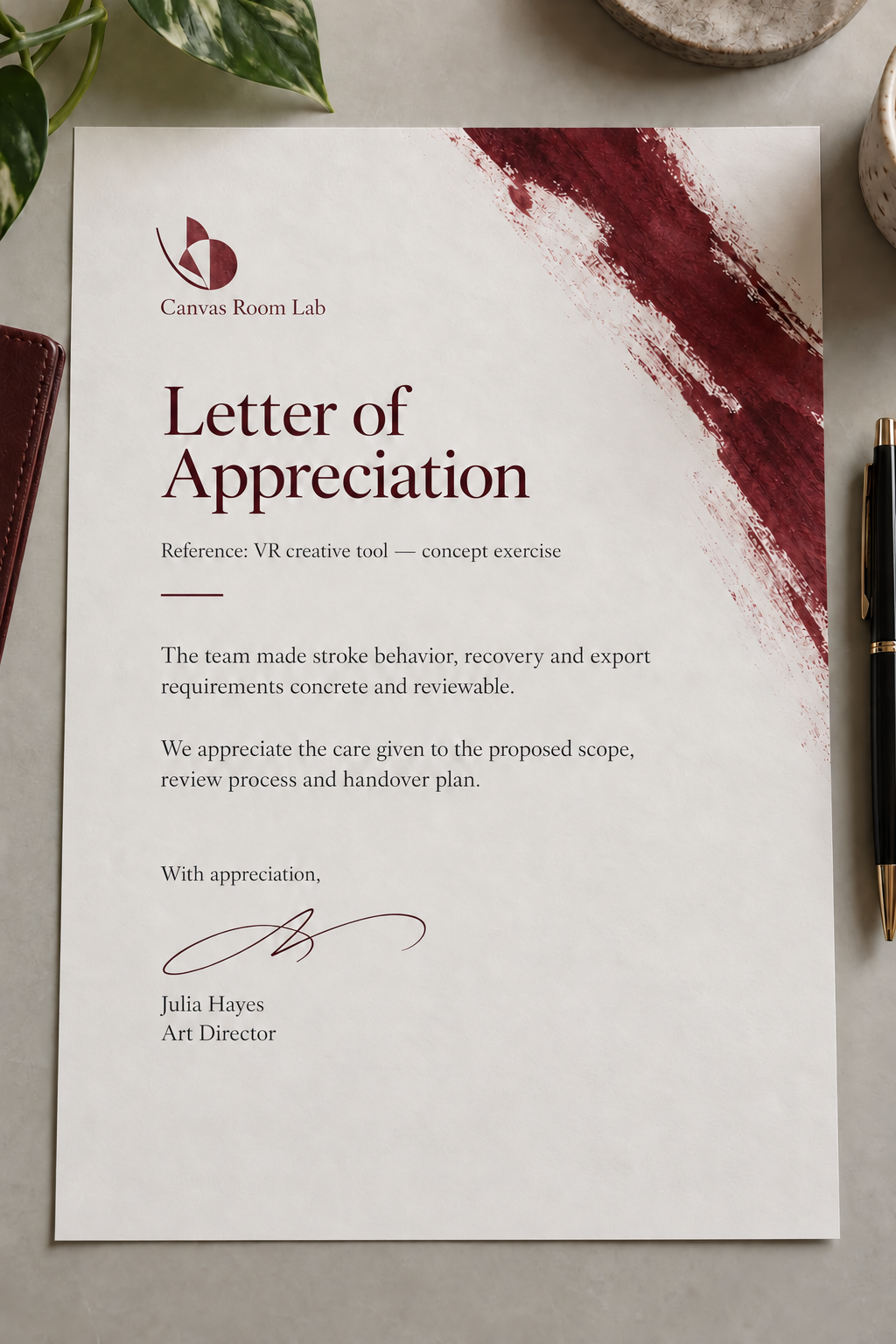
Appreciation letter
Client testimonial
“We wanted the creative experience to feel approachable without interrupting the act of painting. The team helped us review brush behaviour, recovery and export as a connected workflow. Their clear explanations made it easier to discuss both creative and technical details.”

What we learned
For a creative application, persistence and export are part of the value proposition, not support features to add at the end.
A creative application should protect the user’s willingness to experiment. Fast, understandable recovery and a clear path to keeping the result are central product features, not merely technical conveniences around the main interaction.
Build a similar game
Tell us about your audience, target platforms, core gameplay and business goals. We will help define the scope and estimate the work.